

Perfecting WordPress Text Content Formatting

2 years ago

2 min read

Posted by:

Focus

Subscribe to newsletter

By subscribing you agree to with our Privacy Policy.

Share

If you want to have slightly better but very satisfying content formatting for those who understand content formatting, use the code below and paste it to your text widget CSS on the ‘Blog Post’ template.


selector h1 {
  font-size: 30px;
}

@media only screen and (max-width: 480px) {
  selector h1 {
    font-size: 25px;
  }
}


selector h2, selector h3 {
    font-size: 25px;
}

selector h2 {
    padding-top: 40px;
    padding-bottom: 10px;
    font-weight: bold;
}

@media (max-width: 767px) {
    selector h2, selector h3 {
        font-size: 20px;
    }
}


selector figcaption {
  font-size: 14px;
  font-style: normal;
}


selector .wp-block-image img{
    padding-bottom: 15px;
    padding-top: 15px;
}

And you’ll get this (before):
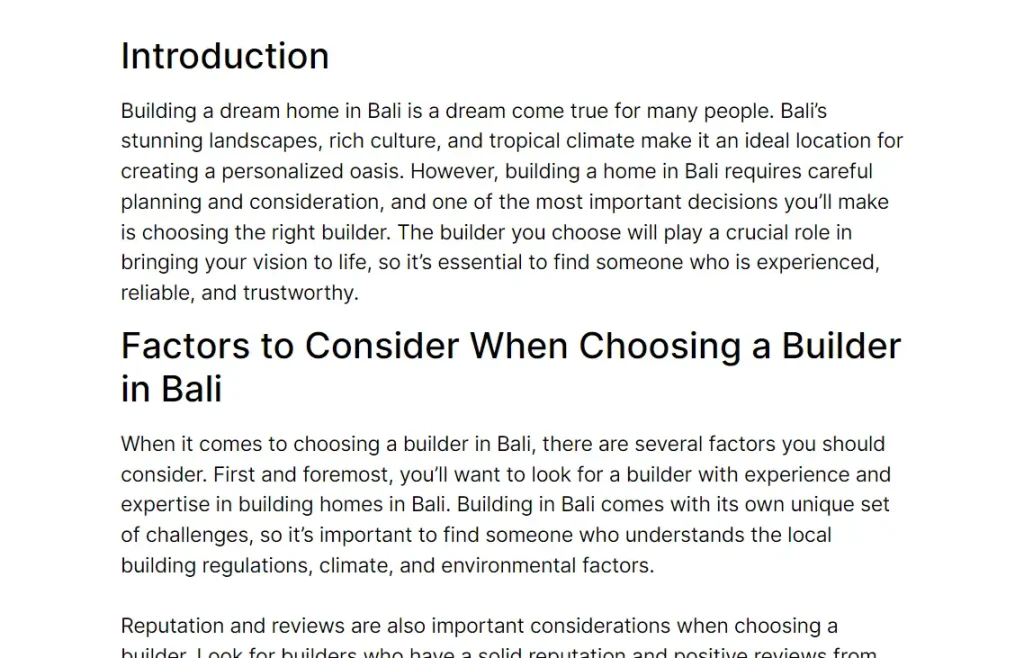
To this (after):


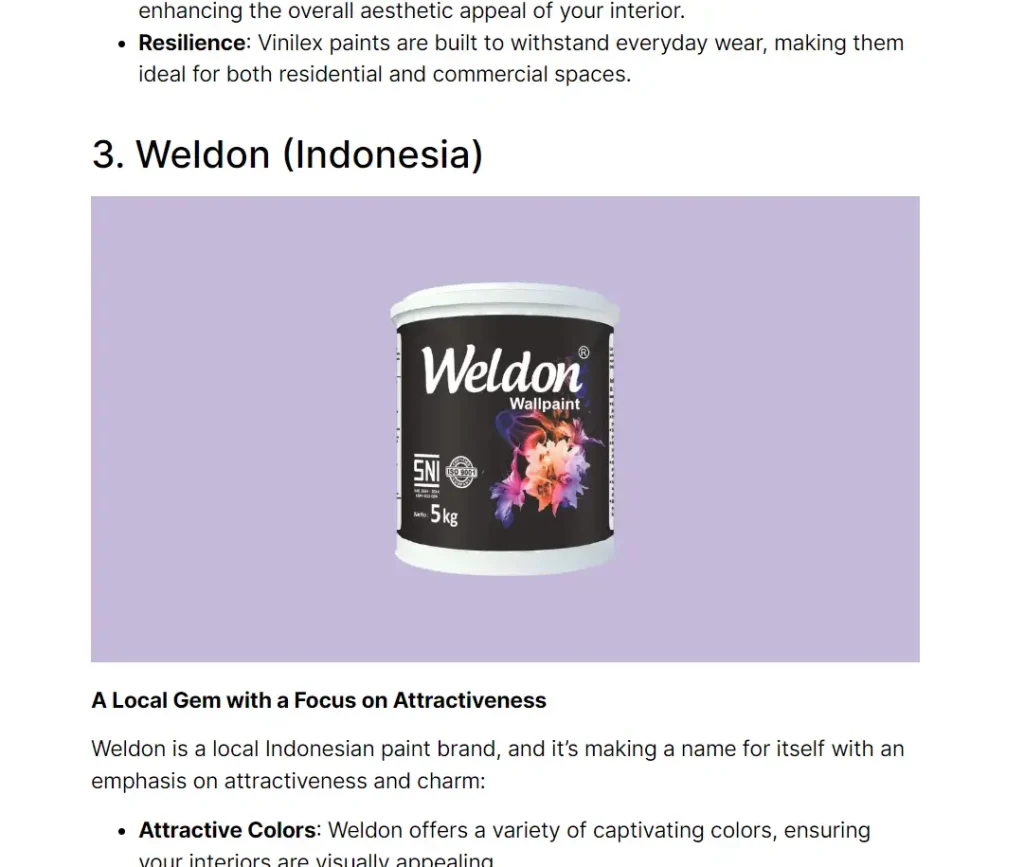
Here’s another before & after:


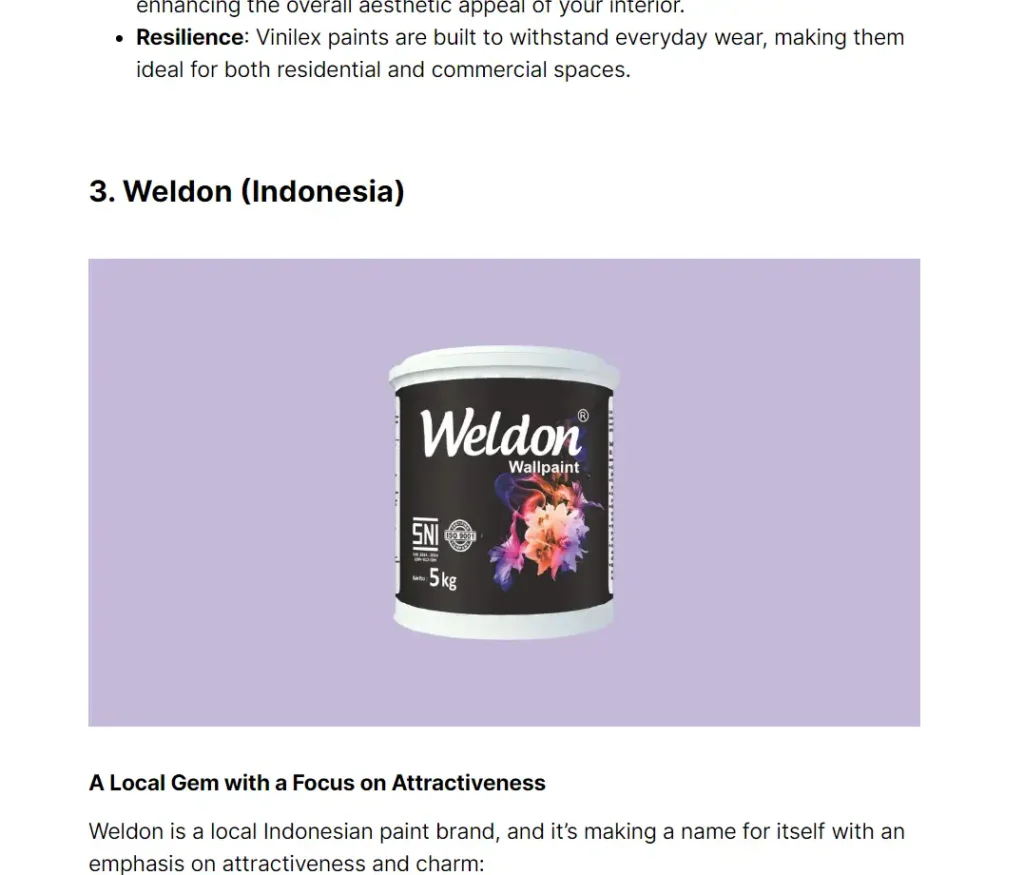
After:
Read more

Global

< 1 min read

Hide Browser Scrollbar

To hide scrollbar globally, go to Dashboard > Appearance > Customize > Custom CSS. To hide scrollbar on a spesific

Read more

Troubleshoot

< 1 min read

How to Fix Whatsapp Share Line Break Missing (Elementor Share Widget)

A bug found on the share widget (last checked on Elementor Pro version 3.6.4) where there is no line break

Read more

Woocommerce

< 1 min read

Disable Billing Address

Simplify checkout for virtual products or order via WhatsApp. Add this code in function.php. CODE PHP

Read more

Media Carousel

< 1 min read

Media Carousel Random Order

Add this code in HTML widget to randomize the ‘Media Carousel’ order.

Read more

See How It Works

Create better websites, faster.

Download the Entire Library

Adaptative, neutrally designed components.

Customer Service

Focus Website

Today, April 12

Hi, there 👋

How can I help you?

Start Chat with:

We use cookie to improve your experience on our site. By using our site you consent cookies.